Breadboards that connect like hardware
Choose 400 or 830-point breadboards. Rows, rails, and gaps behave like the plastic board on your desk.
Preparing the next de:volt page.
de:volt lets you build on a virtual breadboard in the browser. Place parts, connect jumper wires, and see the circuit run while the rows and rails behave like a real board.
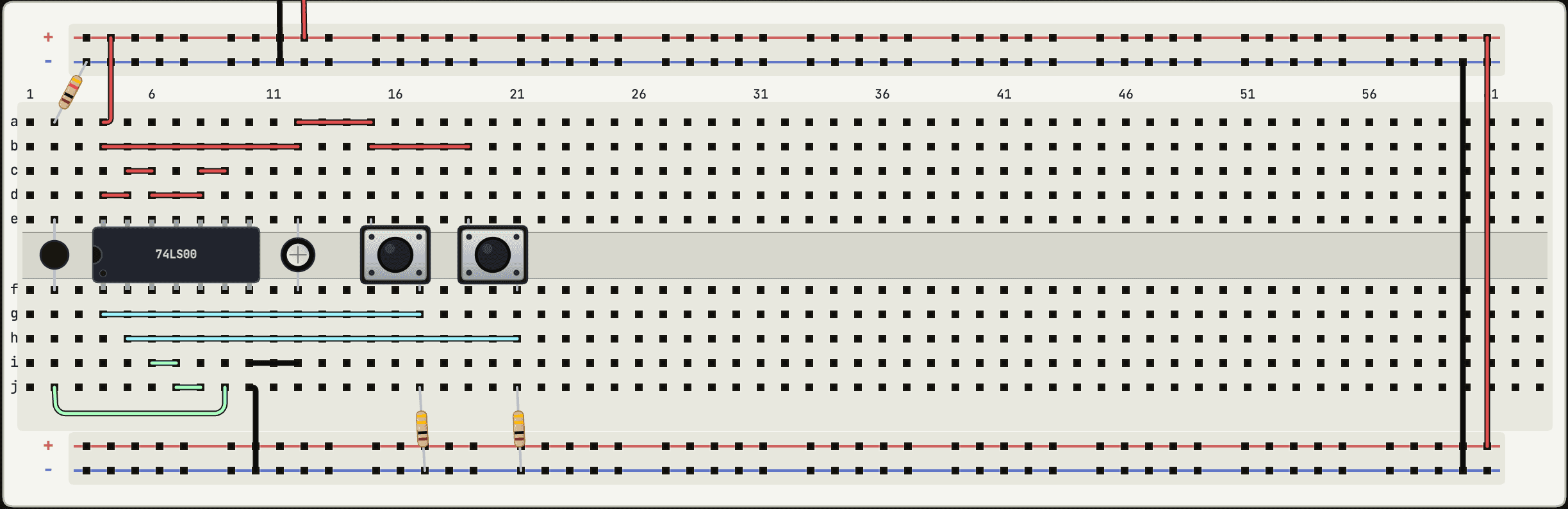
Every hole belongs to a net, the same way it does on plastic.
Choose 400 or 830-point breadboards. Rows, rails, and gaps behave like the plastic board on your desk.
The circuit updates while you build, so LEDs, switches, timers, and logic respond without a separate run step.
Use resistors, capacitors, LEDs, switches, transistors, 555 timers, logic chips, displays, and Arduino boards.
Inspect voltages and currents, then open the built-in oscilloscope when you need to see a waveform.
Yes. You place parts on virtual 400 or 830 point breadboards and run jumpers between holes; rows and rails connect the way the real board does. The circuit simulates live in your browser while you build.
No. It runs in the browser, including the simulation engine itself, which lives in a worker inside the tab. Open the link and place a part.
The engine solves the same equations SPICE tools do, and its results are cross-checked against ngspice in CI. It is still built for learning and prototyping: models are simplified in places, and the simulator discloses where rather than pretending. Real hardware deserves a real bench check.
Yes. Touch works across the editor: drag parts with a finger, pinch to zoom, long-press for the actions a mouse gets by right-click. A bigger screen is still more comfortable for big circuits.
104 parts: passives, diodes and transistors, the 555, a shelf of 74xx and CD4000 logic, EEPROMs, op-amps, regulators, displays, motors and their drivers, sensors, and four programmable boards. It grows as people ask for parts.