Breadboards, livein your browser.
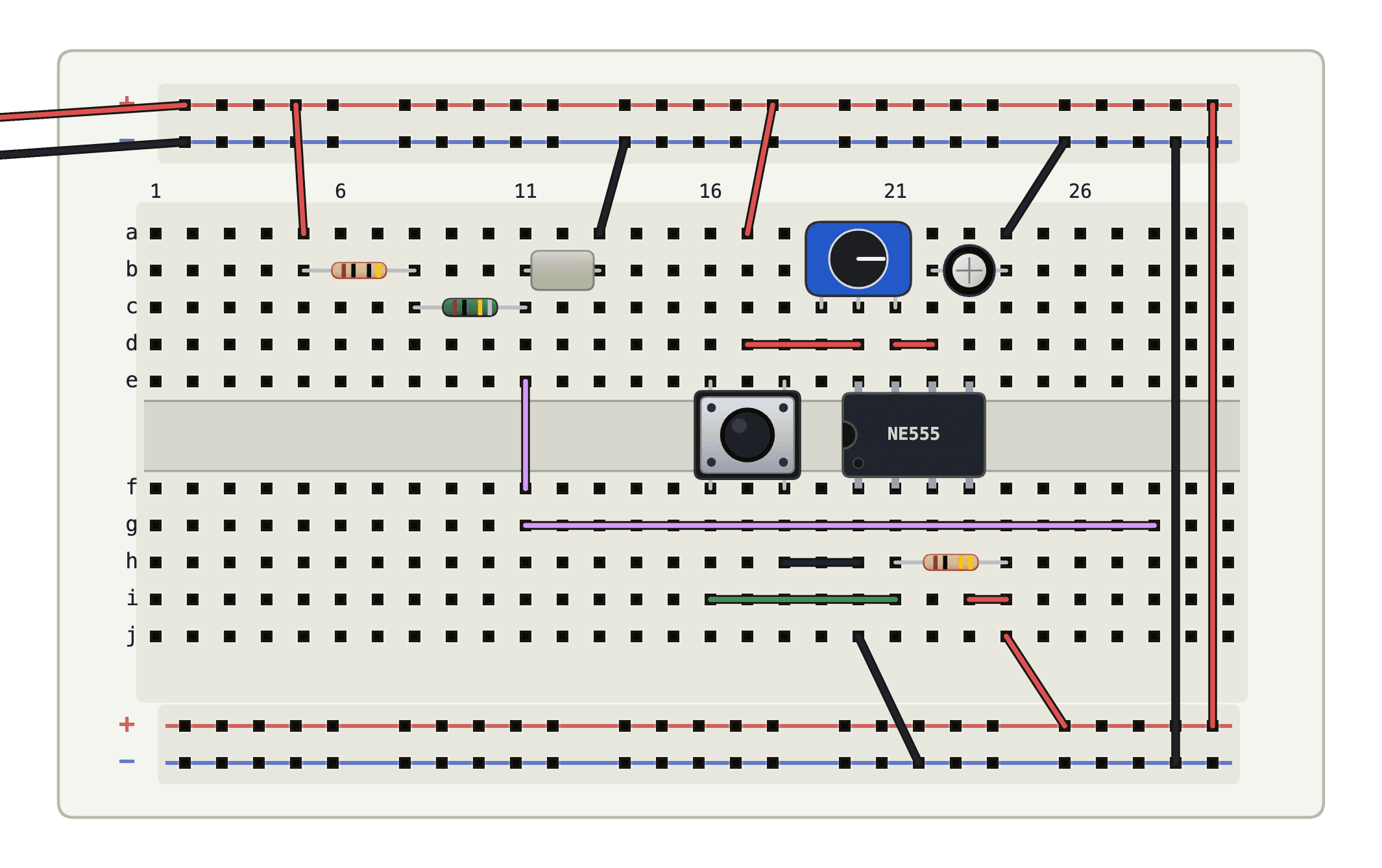
Place parts and run wires. The circuit is on the whole time you build.
This one is running.
A 555 clock stepping a binary counter. Flip the switch to manual and step it with the button.
The whole bench.
Simulation runs in a worker on your machine, not on a server.
Firmware runs for real.
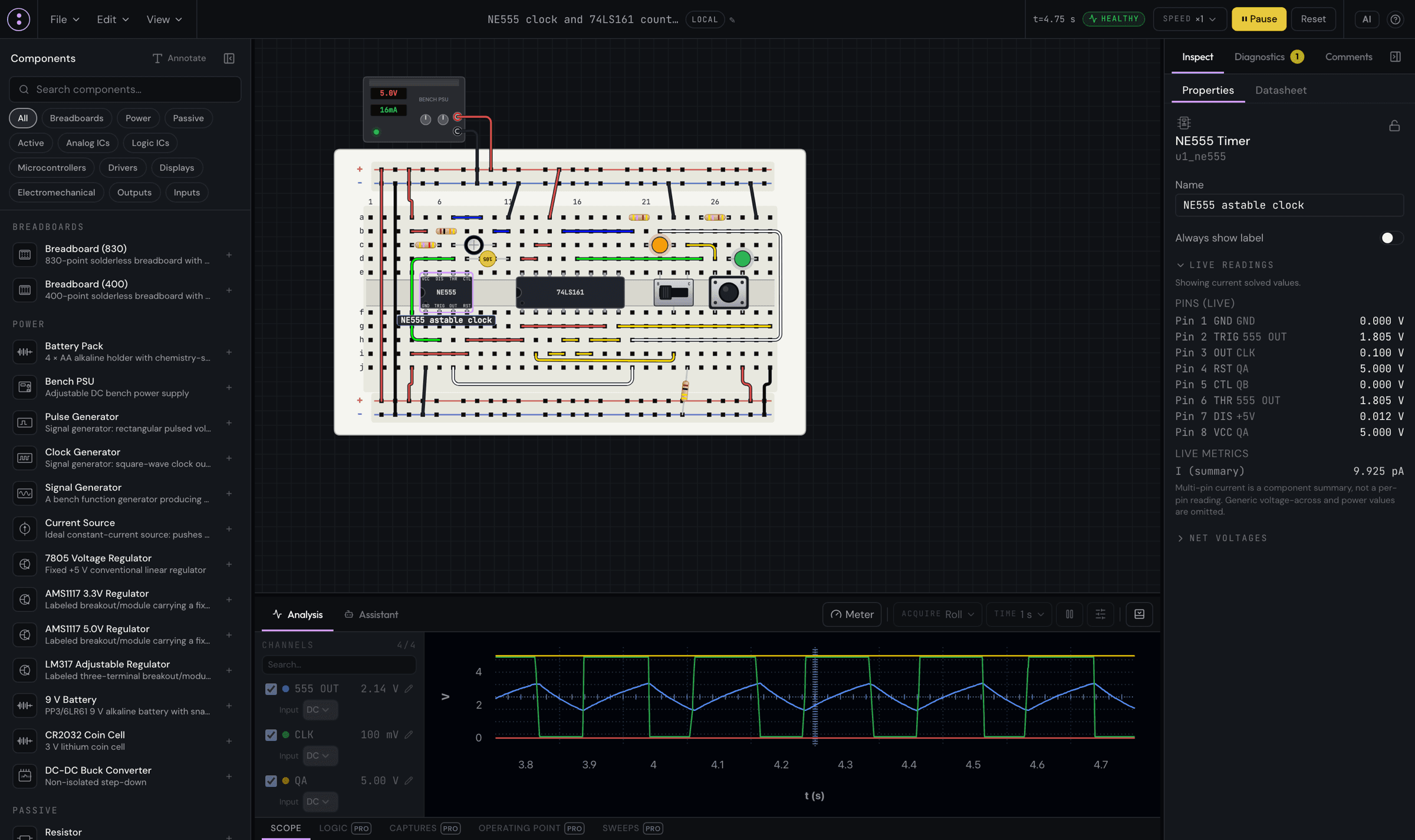
micro:bit V1 and an RP2040 board run MicroPython itself; the UNO R3 and Nano execute AVR machine code.
from microbit import *display.show(Image.HEART)The stock example on a fresh board; the lit display is its output, captured in the simulator.
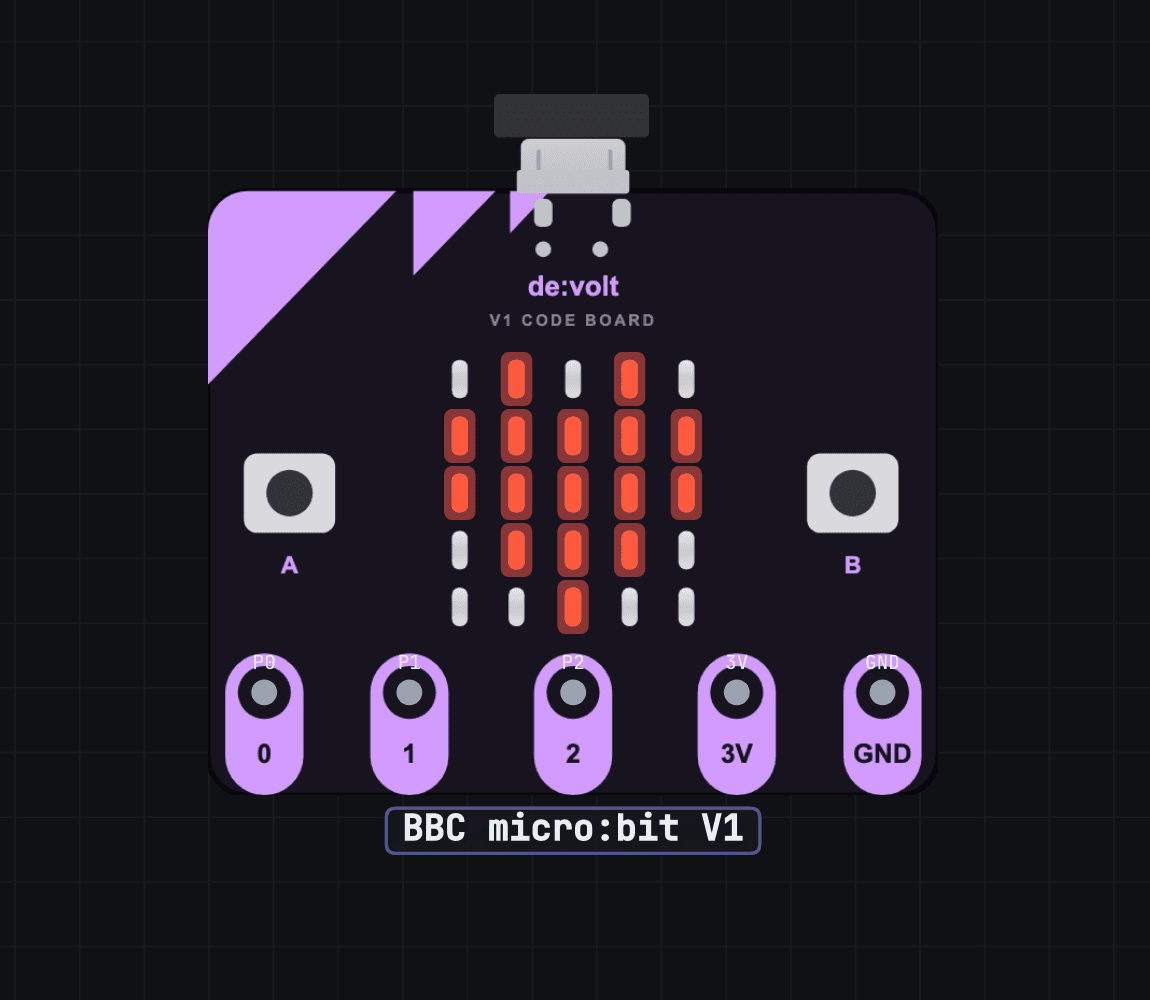
104 parts in the tray.
Logic & memory · 23
- NE555 Timer
- 74LS00
- 74LS04
- 74LS08
- 74LS32
- 74LS86
- 74LS161
- 74LS173
- 74LS189
- 74LS157
- 74LS283
- 74LS245
- 74HC595
- 74HC165
- 74HC14
- 74HC138
- 74LS47
- 74HC74
- CD4017
- CD4511
- CD4060
- 28C16
- 28C256
Drivers · 4
- ULN2003A
- ULN2803A
- L293D Dual H-Bridge
- TB6612FNG Dual H-Bridge
Passives · 20
- Resistor
- Capacitor
- Diode
- Zener Diode
- TVS Diode
- Schottky Diode
- Inductor
- Potentiometer
- Trimmer
- Fuse
- PTC Resettable Fuse
- LDR
- Thermistor (NTC)
- Ferrite Bead
- Resistor Array
- Ceramic Capacitor
- Electrolytic Capacitor
- Film Capacitor
- Transformer
- 16 MHz Crystal
Power · 5
- 7805 Voltage Regulator
- AMS1117 3.3V Regulator
- AMS1117 5.0V Regulator
- LM317 Adjustable Regulator
- DC-DC Buck Converter
Displays · 2
- MAX7219 8x8 LED Matrix
- HD44780 16x2 LCD
Outputs · 16
- Red LED
- Green LED
- Blue LED
- White LED
- Yellow LED
- Amber LED
- Bicolour LED
- RGB LED
- 7-Seg (CC)
- 7-Seg (CA)
- Active Buzzer
- Passive Buzzer
- 8 Ohm Speaker
- DC Motor
- Hobby Servo (SG90)
- Bipolar Stepper Motor (NEMA 17)
Analog ICs · 6
- LM358
- MCP6002
- LM386
- 4N35
- LM393
- TL431
Boards · 4
- Arduino UNO R3
- RP2040 MicroPython Board
- BBC micro:bit V1
- Arduino Nano (classic)
Discretes · 9
- NPN Transistor
- PNP Transistor
- N-Channel MOSFET
- N-Channel JFET
- P-Channel JFET
- Thyristor (SCR)
- Triac
- Analog Switch
- P-Channel MOSFET
Sources · 8
- Battery Pack
- Bench PSU
- Pulse Generator
- Clock Generator
- Signal Generator
- Current Source
- 9 V Battery
- CR2032 Coin Cell
Inputs · 6
- Switch (SPST)
- Push Button
- DPDT Push Switch
- SPDT Switch
- DIP Switch
- Ultrasonic Distance Sensor (HC-SR04)
Electromechanical · 1
- 5 V SPDT Relay
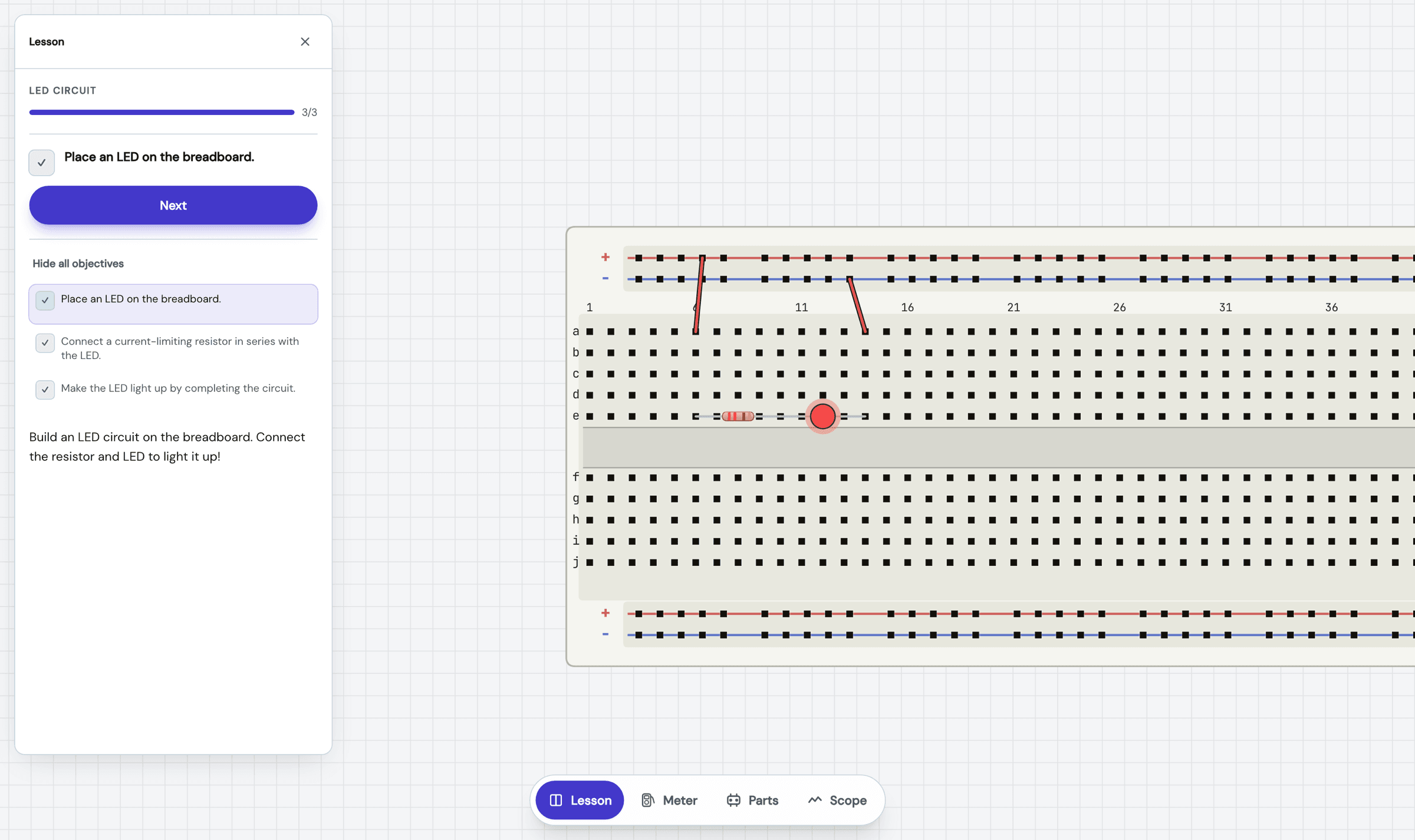
Lessons that check the circuit.
Guided builds on a live breadboard; each objective passes when the measurement does.
Hobby is free.
Pro adds room, analysis, and collaboration when a project outgrows the bench.
Hobby
- Live simulation, every part in the catalog
- 5 cloud projects, 100 components each
- Oscilloscope, multimeter, live readings
- SPICE netlist import
Pro
- Unlimited projects and components
- 1,000 AI requests a month for drafts and fixes
- Analysis workbench: logic, captures, operating point, sweeps
- Live co-editing with version history
- Private project sharing
- Full de:volt Learn library and AI tutor
- Export to JSON, PDF and BOM
Renews until cancelled. Taxes may apply. Refunds are handled under the terms and any non-excludable consumer rights.
Try Prode:volt for Education
Per-seat annual pricing for classrooms and labs, with managed accounts, de:volt Learn, and a pilot programme to get a cohort started.
Questions.
Yes. You place parts on virtual 400 or 830 point breadboards and run jumpers between holes; rows and rails connect the way the real board does. The circuit simulates live in your browser while you build.
No. It runs in the browser, including the simulation engine itself, which lives in a worker inside the tab. Open the link and place a part.
The engine solves the same equations SPICE tools do, and its results are cross-checked against ngspice in CI. It is still built for learning and prototyping: models are simplified in places, and the simulator discloses where rather than pretending. Real hardware deserves a real bench check.
Yes. Touch works across the editor: drag parts with a finger, pinch to zoom, long-press for the actions a mouse gets by right-click. A bigger screen is still more comfortable for big circuits.
104 parts: passives, diodes and transistors, the 555, a shelf of 74xx and CD4000 logic, EEPROMs, op-amps, regulators, displays, motors and their drivers, sensors, and four programmable boards. It grows as people ask for parts.
Yes. The micro:bit V1 and the RP2040 board run MicroPython itself, and the UNO R3 and Nano execute AVR machine code, all inside the browser. Pin states drive the analog circuit and read back from it.
Unlimited projects and components, 1,000 AI requests a month, the analysis workbench with logic capture, operating point and sweeps, live co-editing with version history, private sharing, the full Learn library with the AI tutor, and exports to JSON, PDF and BOM. A$6.99 a month, or A$69 a year.
Pro owners can share privately and invite people to view or co-edit live. On Hobby you can save projects and export images or files to show your work; starting a shared session needs Pro.