changelog · 26 November 2026
Share any circuit with one link, and keep working offline
File > Copy link to circuit packs your whole circuit into a link anyone can open, with nothing uploaded and no account needed. And de:volt now keeps working when the internet doesn't.
Two small features that make a big difference for students, teachers and anyone helping a friend with a circuit.
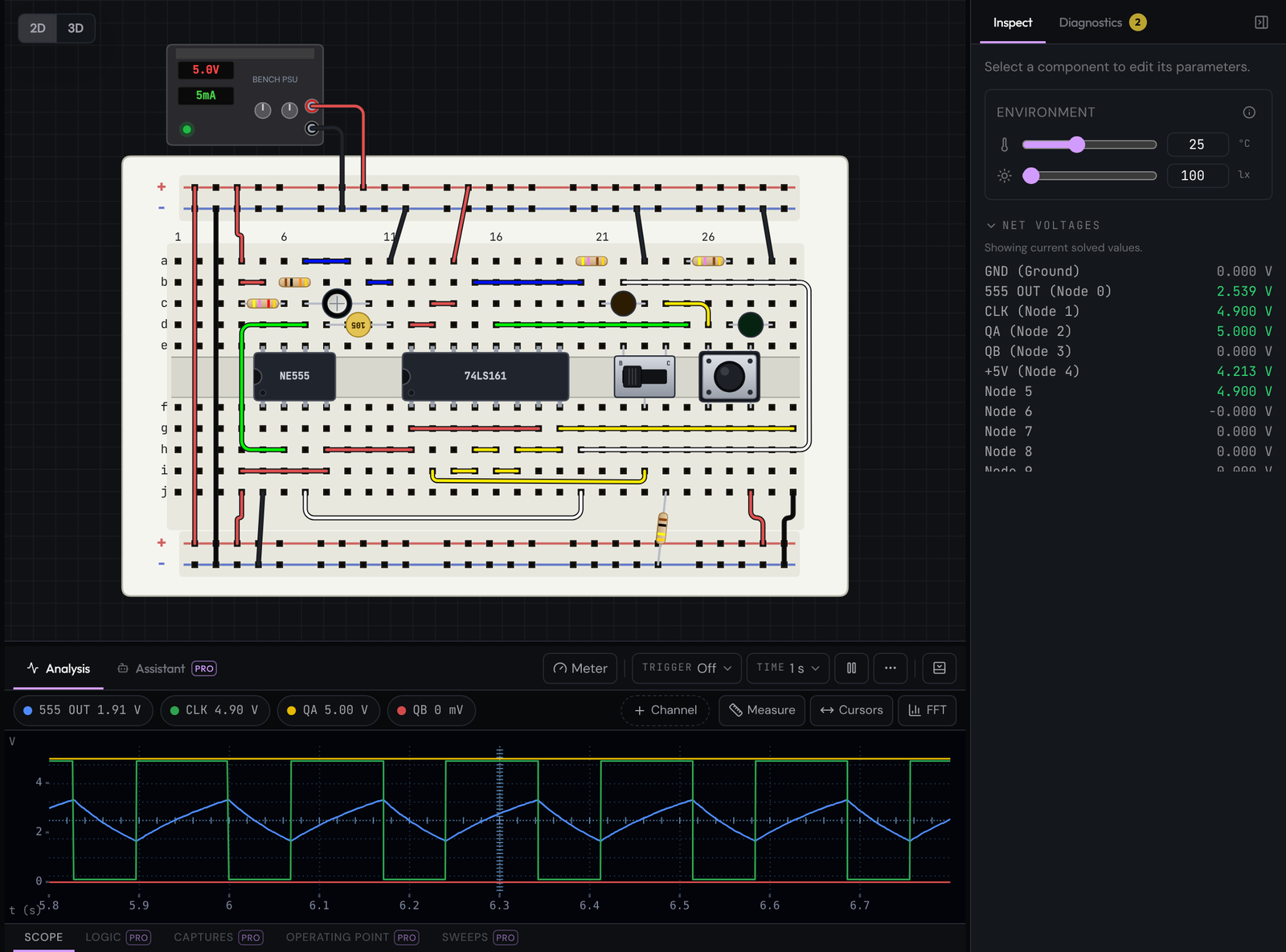
Copy a link to your circuit
Choose File > Copy link to circuit and de:volt copies a link to your clipboard. Paste it into a chat, an email, a forum post or an assignment. Whoever opens it gets your circuit, exactly as you left it, ready to run.
What makes these links different is that the circuit is inside the link itself. Nothing is uploaded or stored on our servers. That means:
- Anyone can share, including guests who haven't signed up. Guests can open and run a shared circuit of any size; to add parts beyond the guest limit, sign in with a free account.
- Links never expire and can't break because something was deleted.
- Your circuit stays private until you choose to send the link to someone.
The links are small, too: a 555 timer driving a counter, with every wire and setting, fits in about 3 KB of text.
Share links are free for everyone, on every plan.
de:volt works offline
Lost your connection on a train, or in a classroom with patchy Wi-Fi? de:volt now keeps working. Once you have opened the simulator, it remembers what it needs, so the next time you open it without a connection, the editor still loads and your circuits still run. Parts, examples and the tools you have used are saved on your device the first time you use them.
Share links work offline as well, because the circuit is in the link. Open one with no connection and the circuit appears.
While you are offline, de:volt runs as a guest: you can build, simulate and copy share links, and your work is kept in your browser. Saving to your account and anything that needs our servers, like live collaboration and the AI assistant, comes back when you are online again.
Good for classrooms
For teachers, this means you can hand out a starting circuit as a plain link, with no accounts to set up and nothing to expire before the lesson. Students can send their work back the same way. And when the school Wi-Fi drops halfway through a practical, the simulator keeps going.
For more ideas, see five ways to use share links in an electronics class.
Try it at sim.devoltapp.com: build something, then File > Copy link to circuit.