changelog · 26 November 2026
Parts at real size: what fits in de:volt fits on your bench
The Arduino Uno, potentiometers, trimmers, the buck converter and the motor driver are now drawn to their datasheet dimensions, and parts can no longer be placed on top of each other.
A breadboard simulator should never let you build something that would not fit on a real breadboard. With this release, de:volt draws its parts at their true size and checks that they physically fit where you put them, in both 2D and the new 3D view.
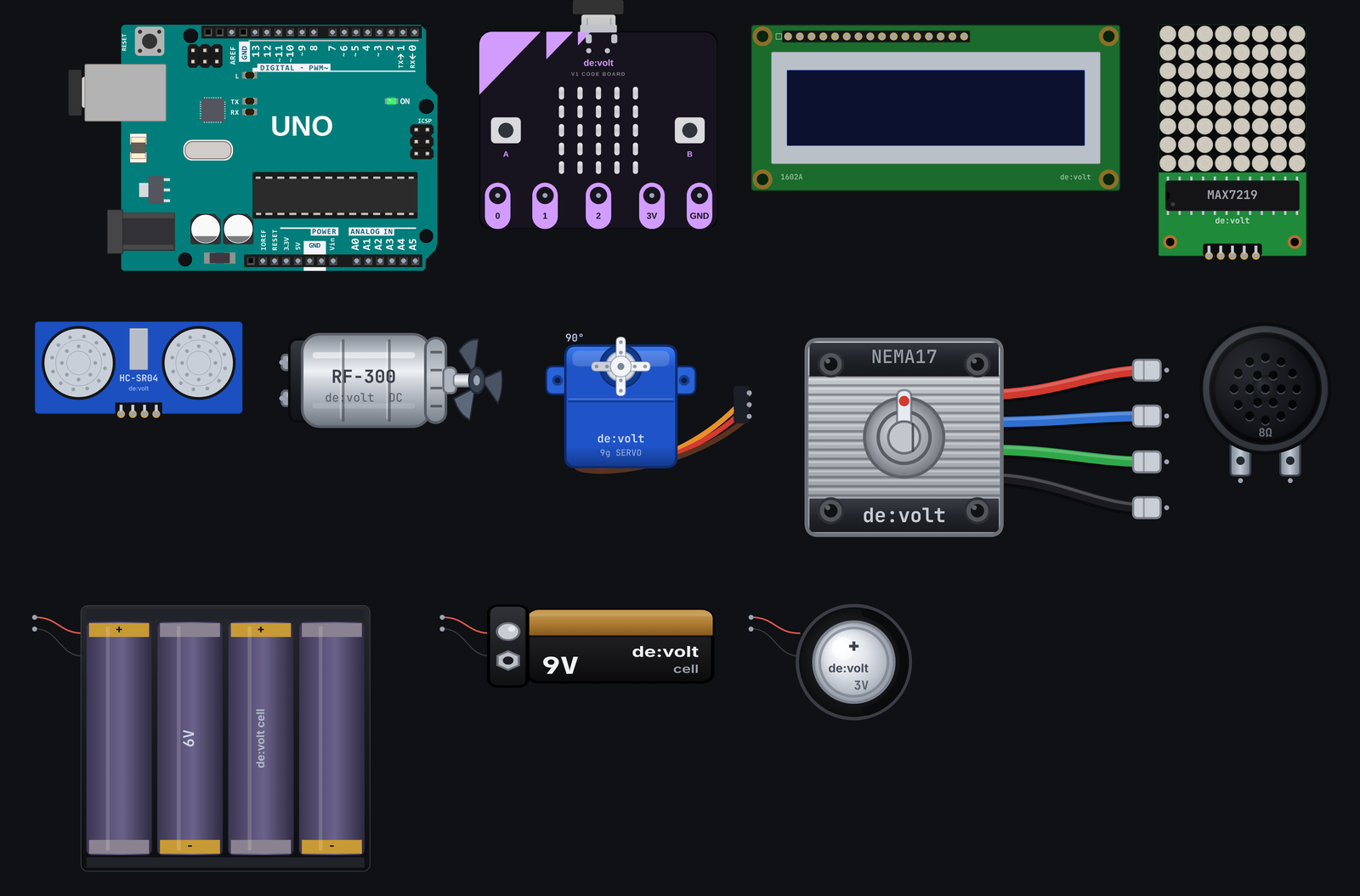
Drawn from the datasheet
Every size now comes from the part's datasheet or a reference drawing, measured on the breadboard's own scale of 2.54 mm (0.1 inch) per hole. The parts that changed most:
- Arduino Uno. The board is now its real 68.6 x 53.4 mm, with its headers where they really are.
- Potentiometers and trimmers. The 9 mm panel pot and the square trimmer are drawn at their real body size, with the knob and adjusting screw exactly where you click to turn them.
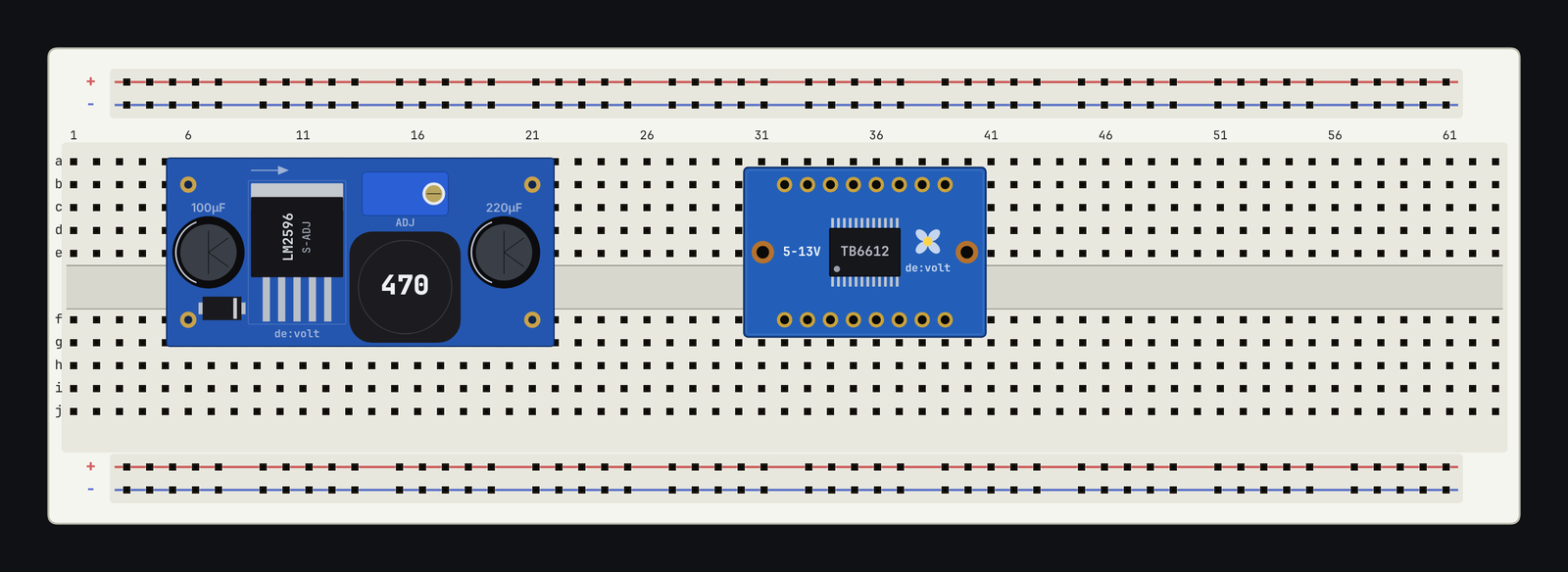
- LM2596 buck converter module. The 43 x 21 mm board, with its regulator chip, input and output capacitors, the big shielded inductor, the adjusting trimmer and the diode laid out like the module you can buy.
- TB6612 motor driver breakout. The small blue board with its driver chip and two rows of eight pins along its long edges.
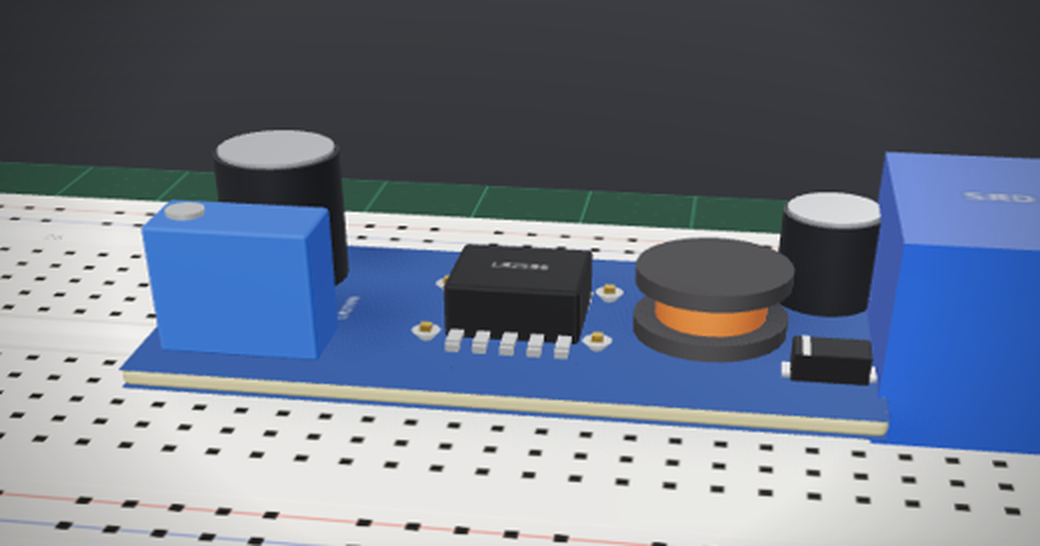
In 3D, the same parts stand at their real heights too, so a buck converter's capacitors tower over the board the way they do on your desk.
Parts can't overlap any more
Until now you could drop an Arduino Nano right on top of a row of resistors, and de:volt would happily simulate a board no one could build. Not any more. Every way of putting a part somewhere (dropping, dragging, pasting, duplicating, rotating, even having the AI build a board for you) now checks that the part really fits:
- Boards and modules that sit on the breadboard, like chips, the Arduino Nano, the Raspberry Pi Pico, displays, switches and pots, cover the holes underneath their real body.
- Leaded parts like resistors and LEDs only take the holes their legs go into, so you can still pack them side by side.
- Raised boards, like a Nano or Pico sitting on its headers, leave room underneath for flat wires, just as on a real breadboard. A jumper or a resistor won't fit under there.
If a spot is taken, the drop preview turns red and the part stays where it was.
Your saved circuits
Your existing circuits open as before. If a buck converter or motor driver on an older board needs a new spot to fit its real size, de:volt moves it to the nearest place that keeps every connection, adding a short wire where needed so your circuit works exactly as it did. And if something on an old board already overlaps, you can still move it: de:volt only stops you from creating a new overlap.
The lessons in de:volt Learn have been updated to match.
Why it matters
When you take a circuit from de:volt to a real breadboard, the layout should simply work. Real sizes mean the parts list, the spacing and the wiring you plan on screen are the ones you will use on the bench, which is the whole point of practising in a simulator first.
Try it at sim.devoltapp.com: drop a buck converter on a breadboard and switch to 3D to see it at full height.